Instructions for Deleting Neverland Data
Detailed Steps and Precautions
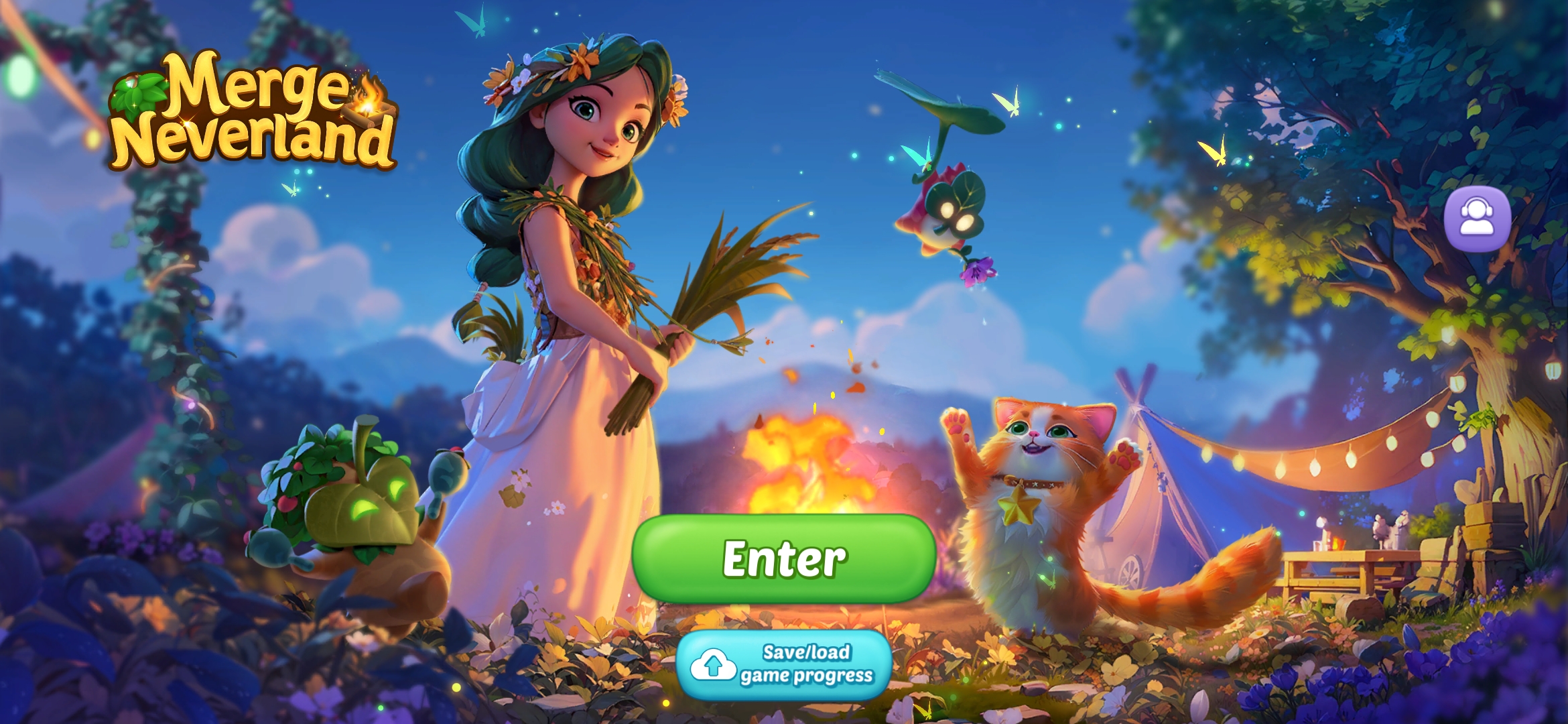
Open Merge Neverland and enter the game.
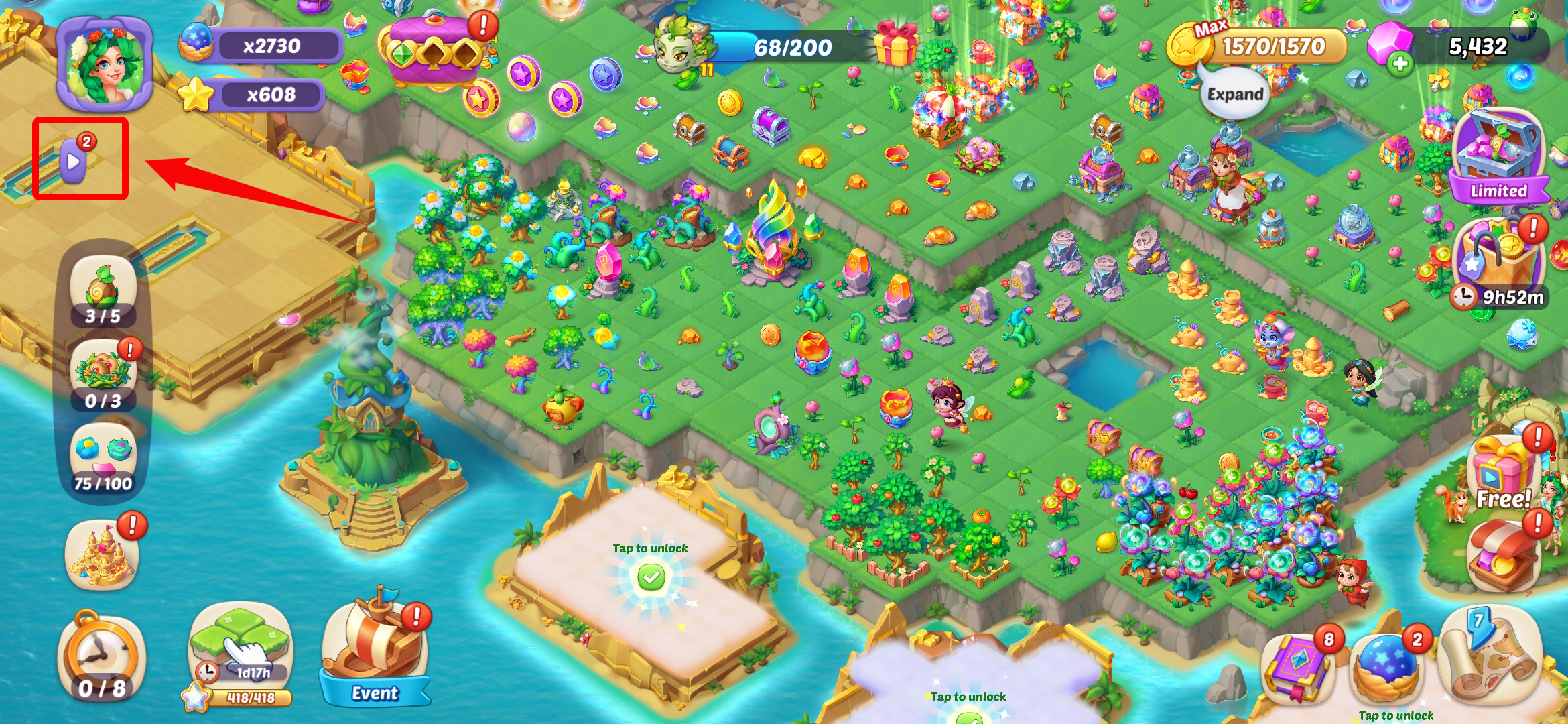
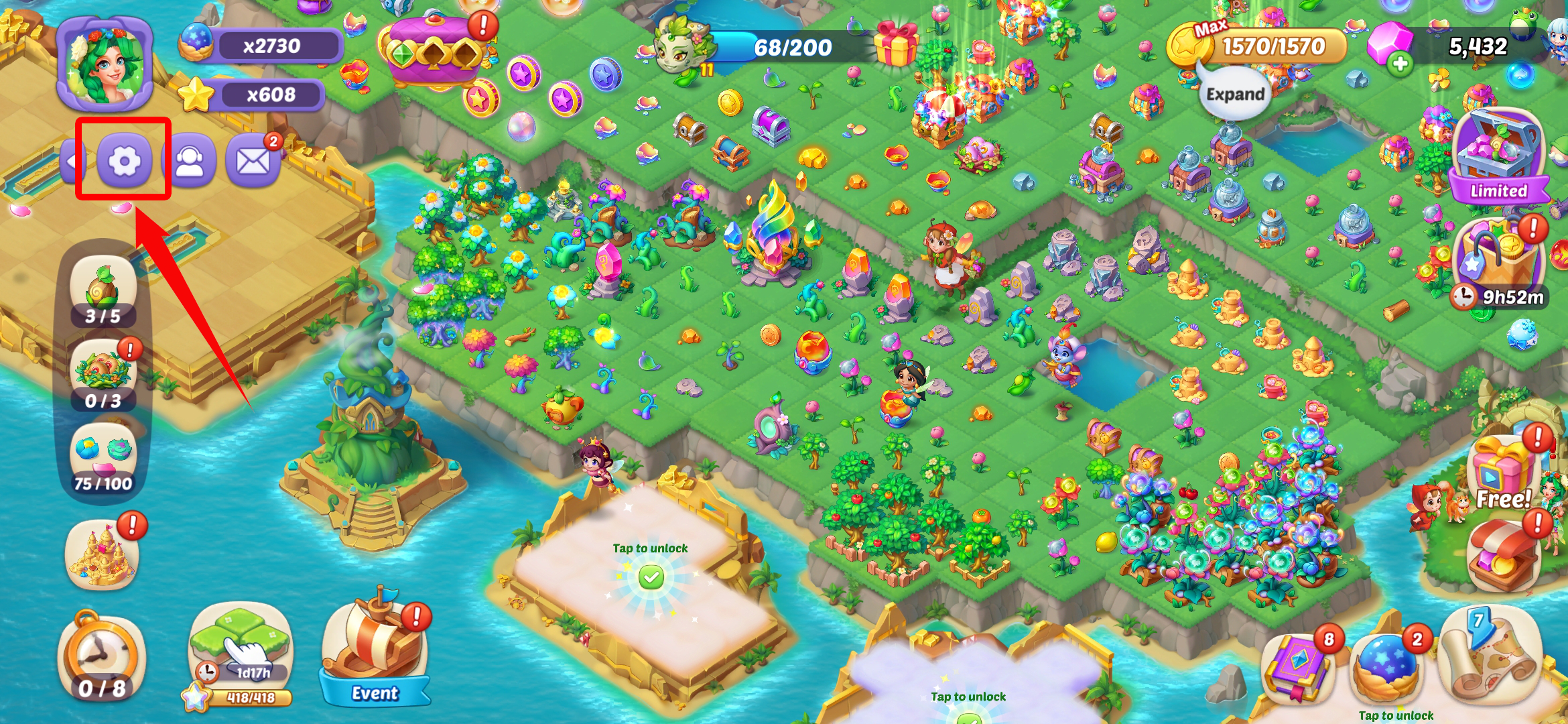
On the game screen, open the small triangle icon in the upper left corner and click the "setting" button to enter the settings menu
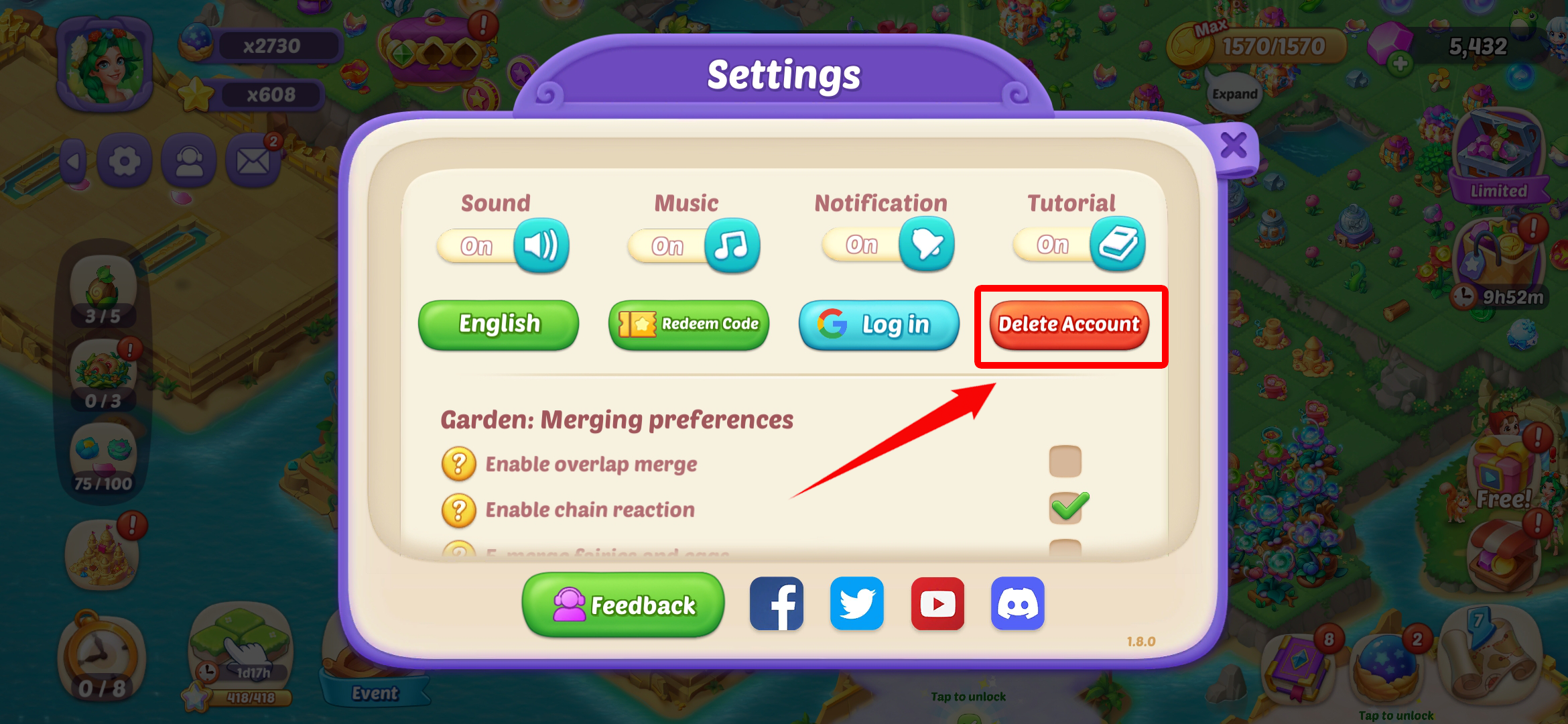
Click the "Delete Account" button.
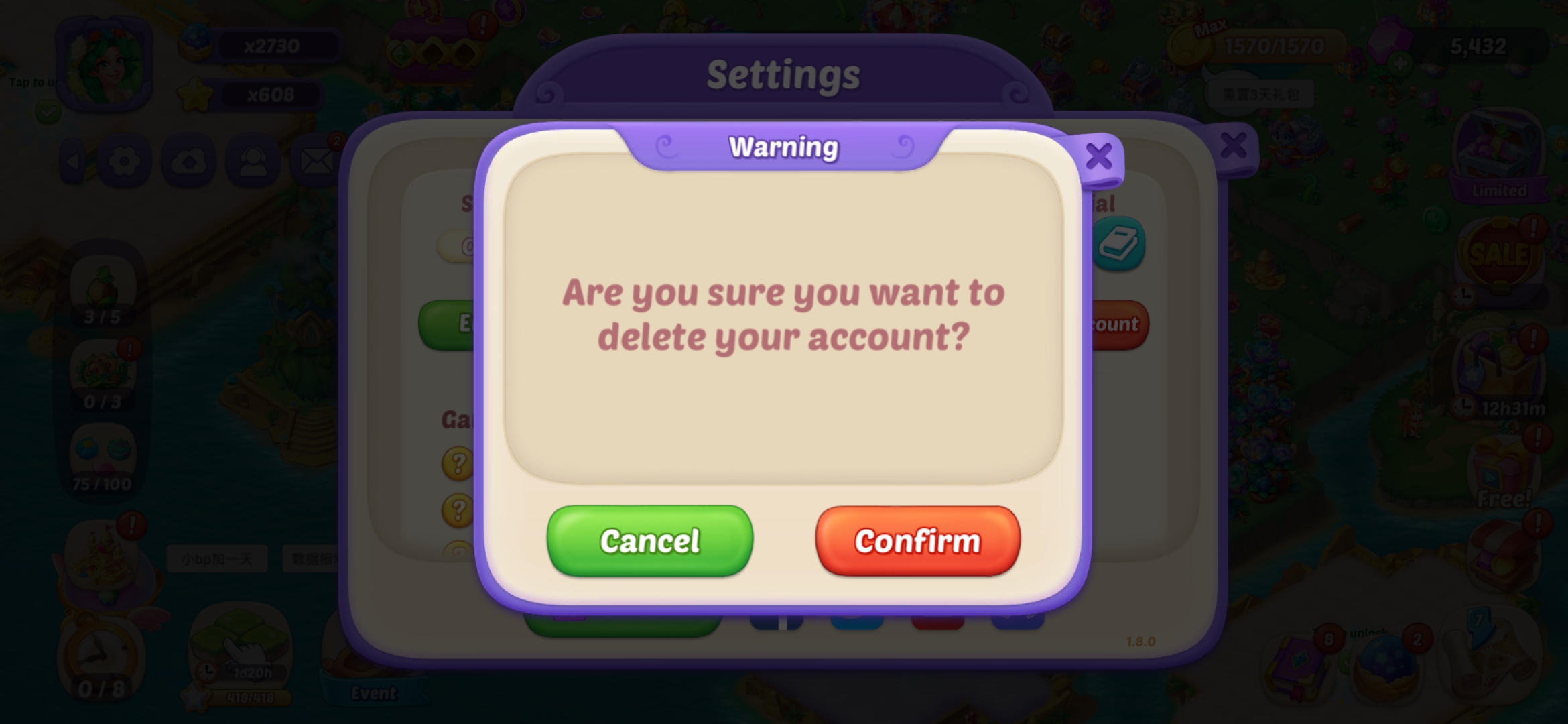
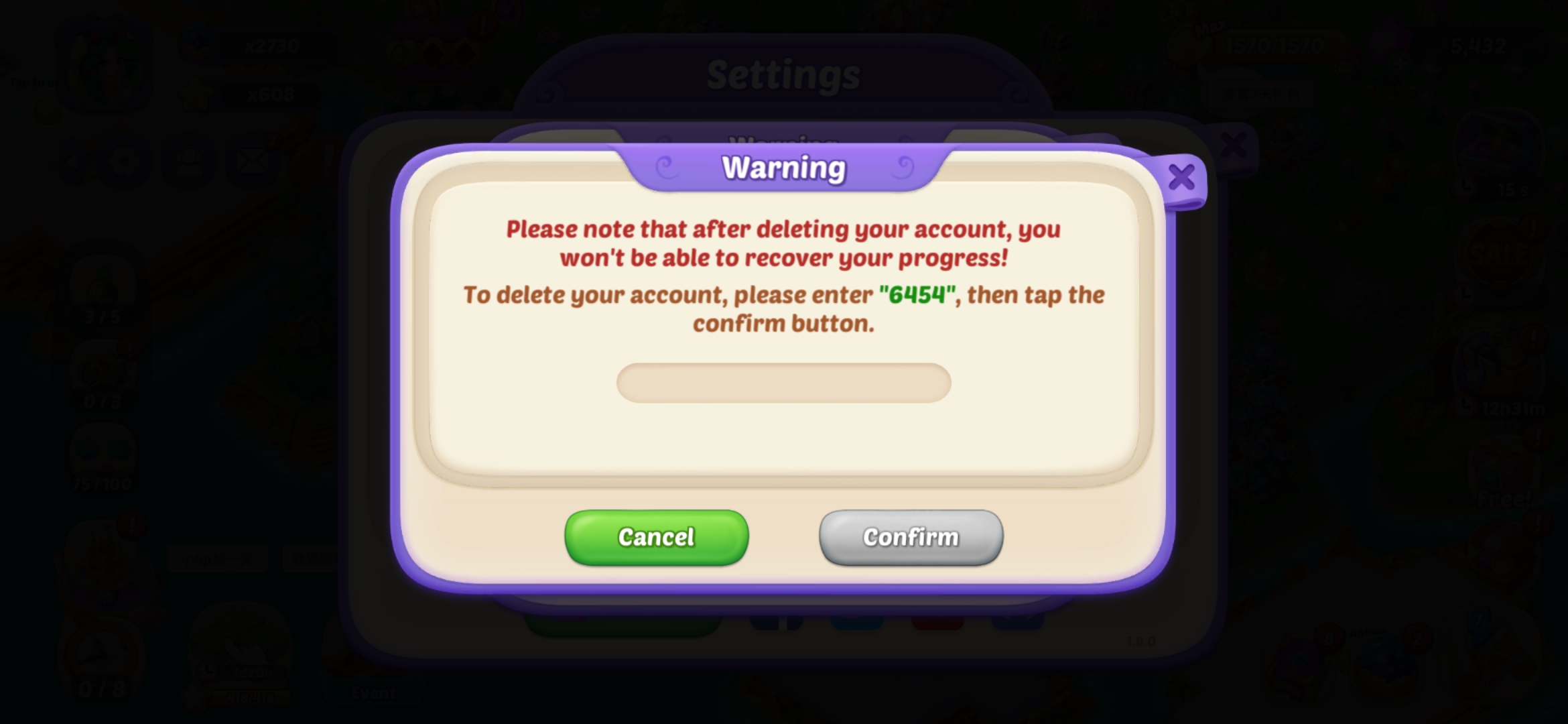
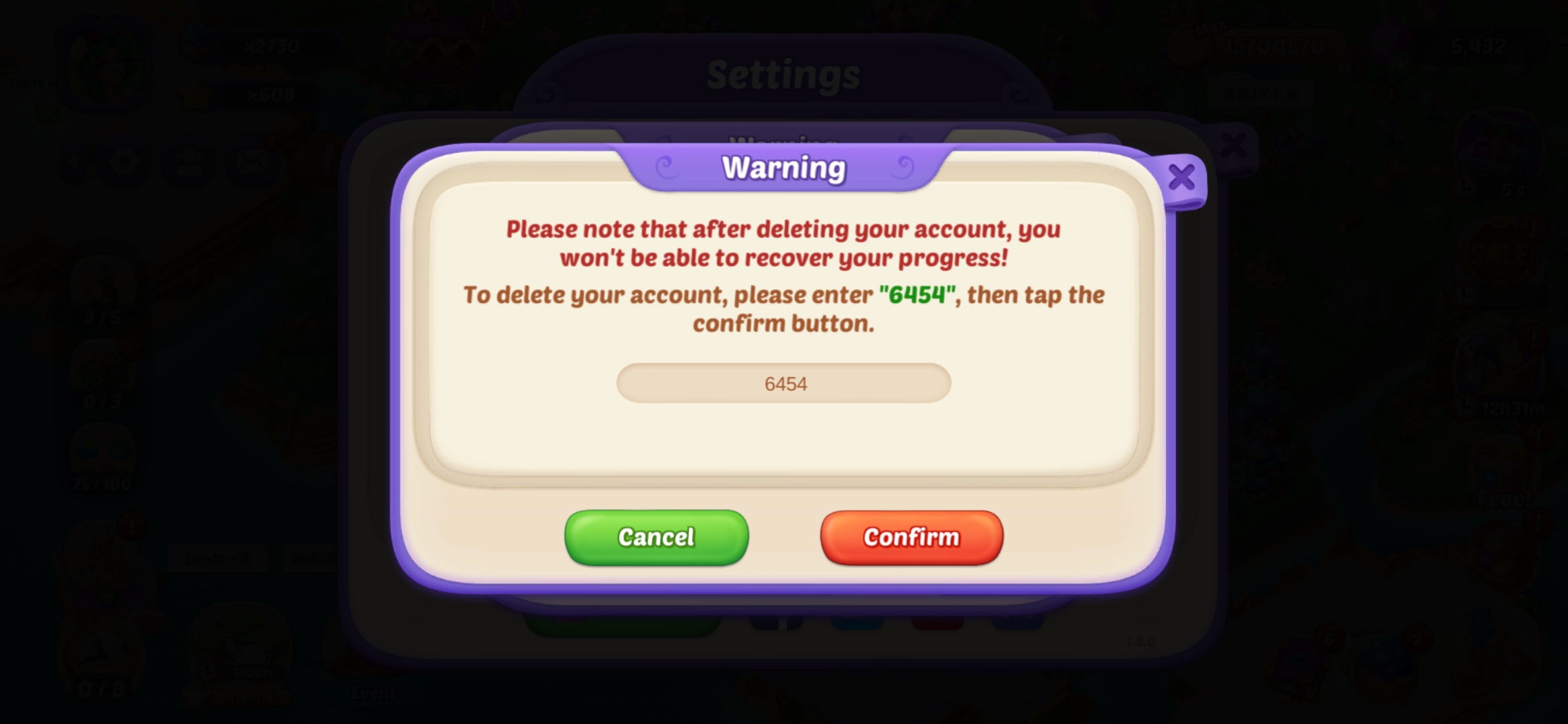
Confirm that you want to delete the game data, enter the random code, and then click the "confirm" button.
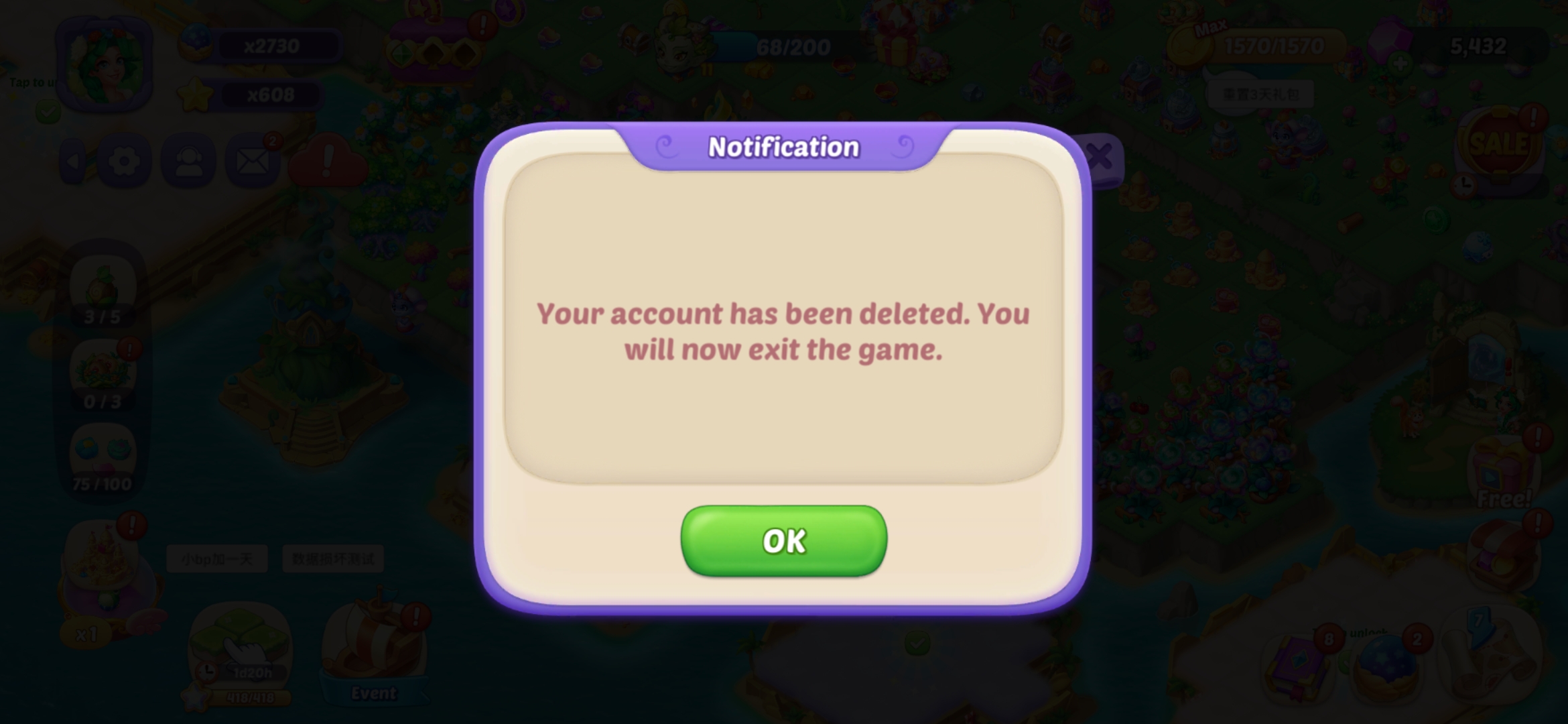
Once the game data is deleted, the game will automatically close.